
Category: Fix QuickBooks Errors using QuickBooks Tool Hub
-
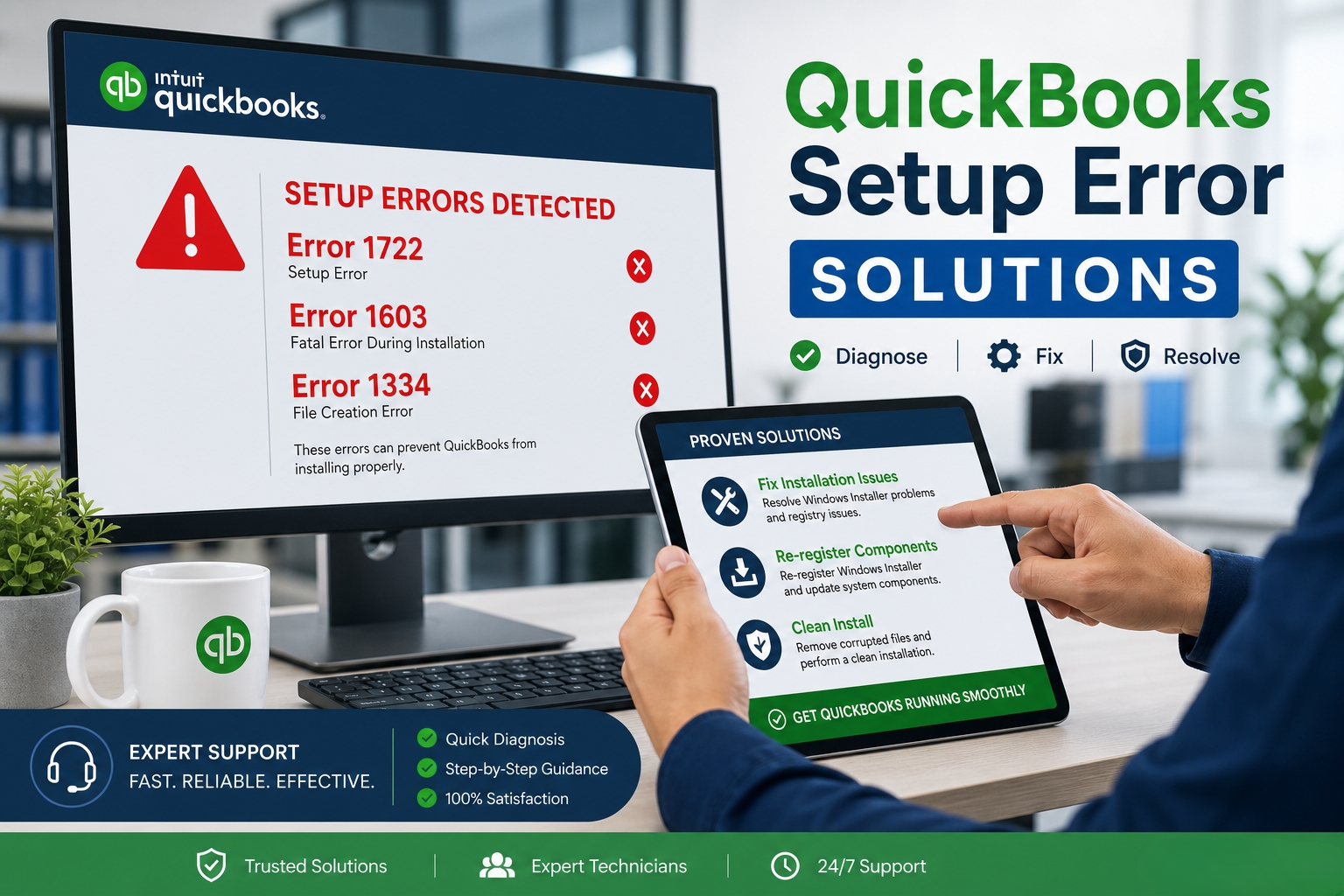
QuickBooks Setup Error 1722, 1603, 1334 – Complete Solutions
QuickBooks setup errors 1722, 1603, and 1334 stop the installation before it finishes and leave QuickBooks either partially installed or not installed at all. Each error code has a specific meaning: Error 1722 means a helper program the installer was running failed to complete its task, Error 1603 means the installation encountered a fatal internal…
-
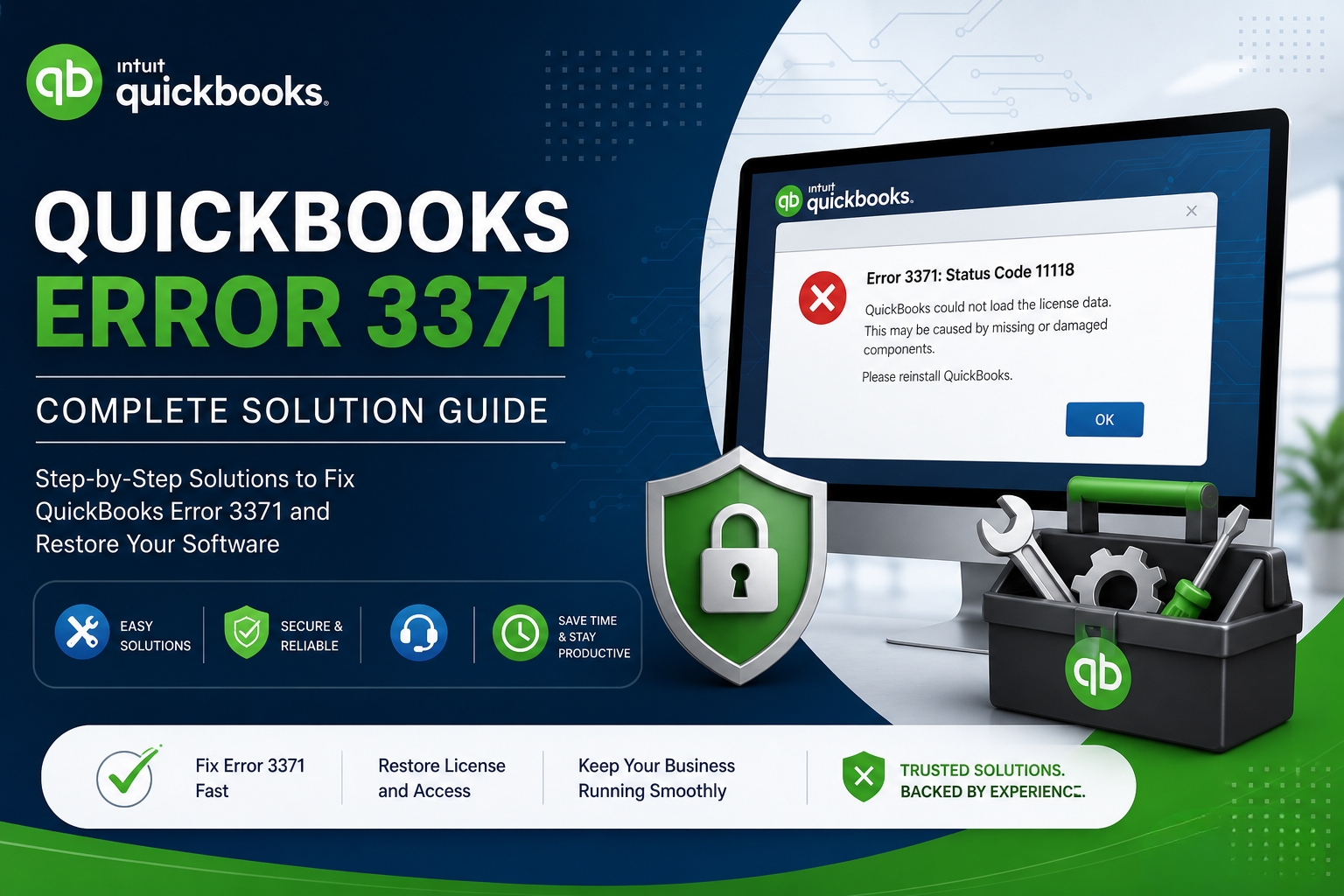
Error 3371 Status Code 11118 – License Data Issues in QuickBooks
Error 3371 Status Code 11118 stops QuickBooks from opening entirely. The full error message that appears on screen reads: “Could not initialize license properties. [Error 3371, Status Code –11118] QuickBooks could not load the license data. This may be caused by missing or damaged files.” This message means QuickBooks started its launch process, reached the…
-
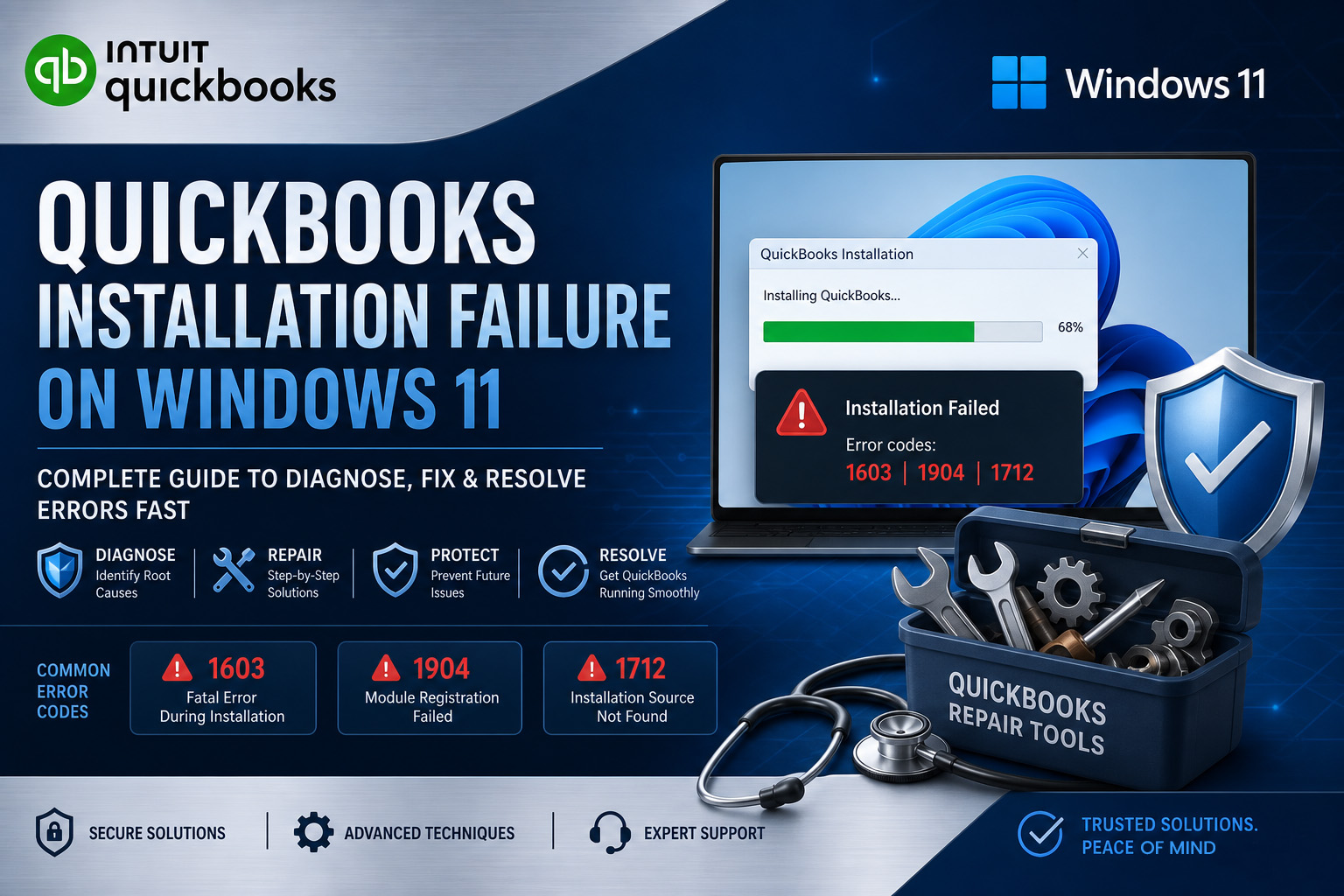
QuickBooks Installation Failed on Windows 11 – Advanced Fixes
QuickBooks Desktop installation fails on Windows 11 for a small, specific set of reasons – and each reason produces a different error code that points directly to the correct fix. The installation does not fail randomly. It fails because Windows 11 changed how it manages security policies, software components, and installation permissions compared to Windows…
-
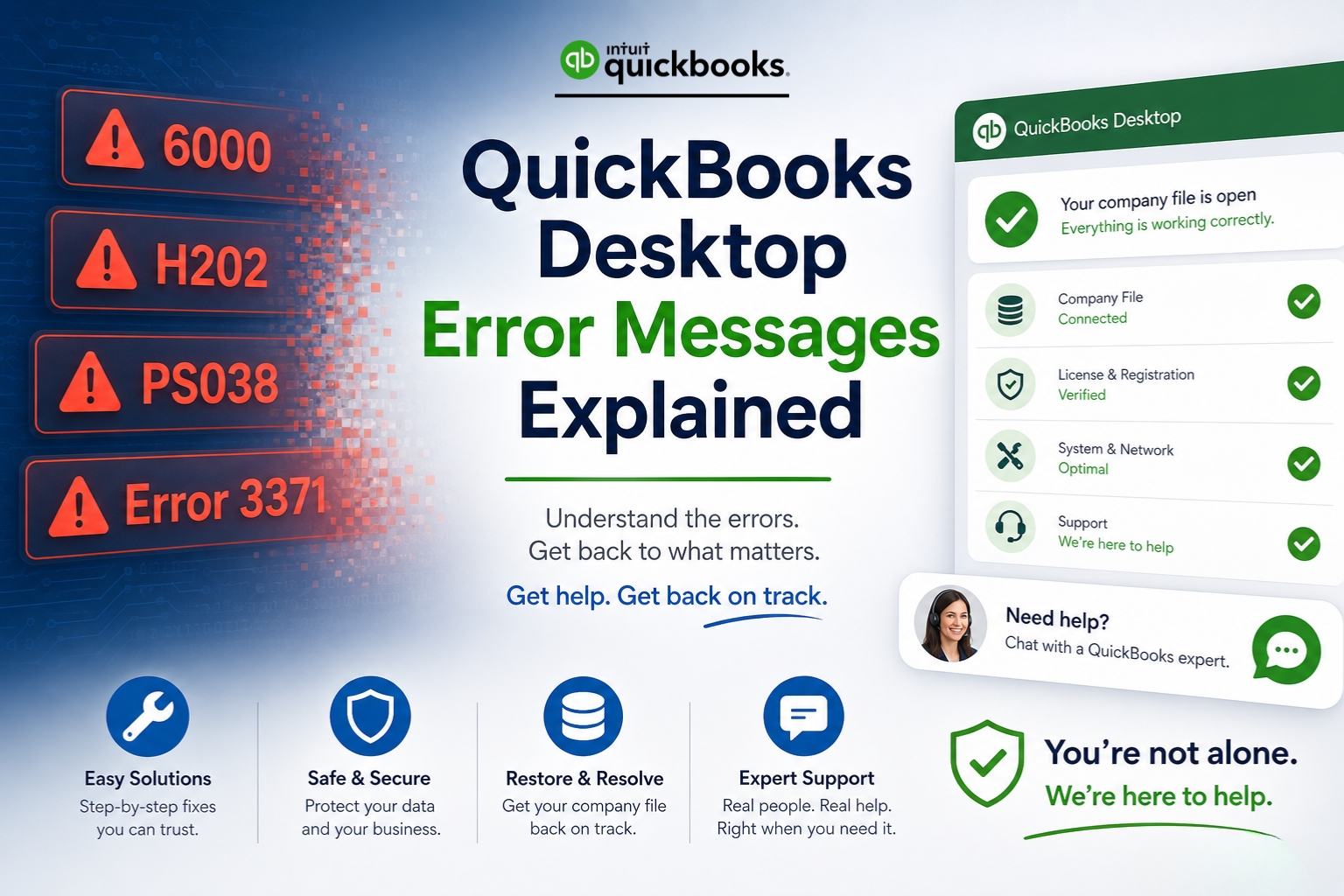
QuickBooks Desktop Error Messages Explained for Non-Technical Users
QuickBooks Desktop error messages look intimidating – codes like Error 6000, -83 or H202 or PS038 appear on screen with no plain-English explanation of what went wrong or what to do next. Every QuickBooks error code belongs to a specific family of errors, and each family is caused by a specific category of problem. The…
-
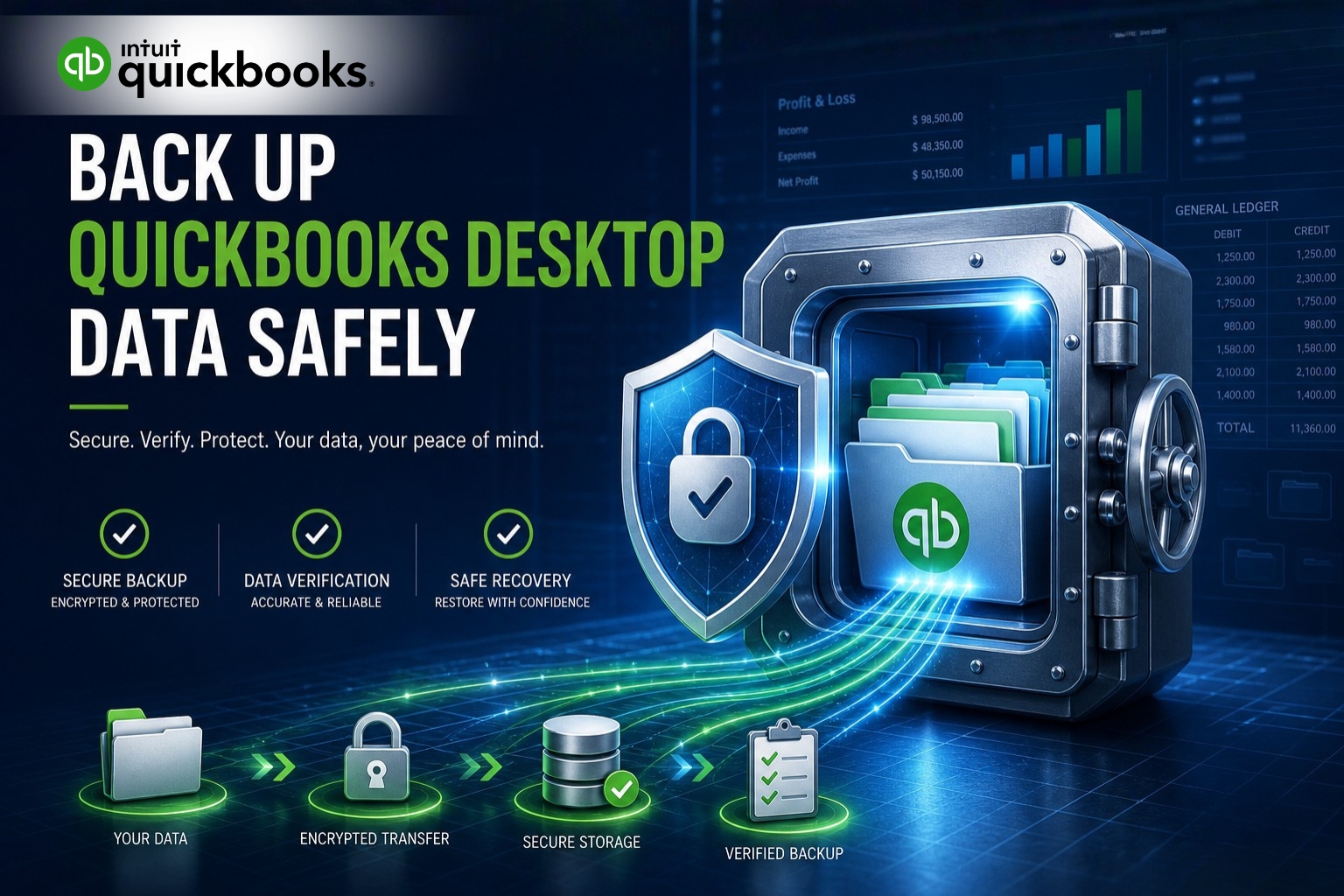
How to Safely Backup QuickBooks Desktop Data Before Troubleshooting?
Every QuickBooks Desktop troubleshooting step requires- running Verify Data, using Rebuild Data, applying the Install Diagnostic Tool, performing a clean install, or renaming configuration files – modifies either the company file or the program files on the computer. A backup created before any of these steps is the only way to return to the exact…
-
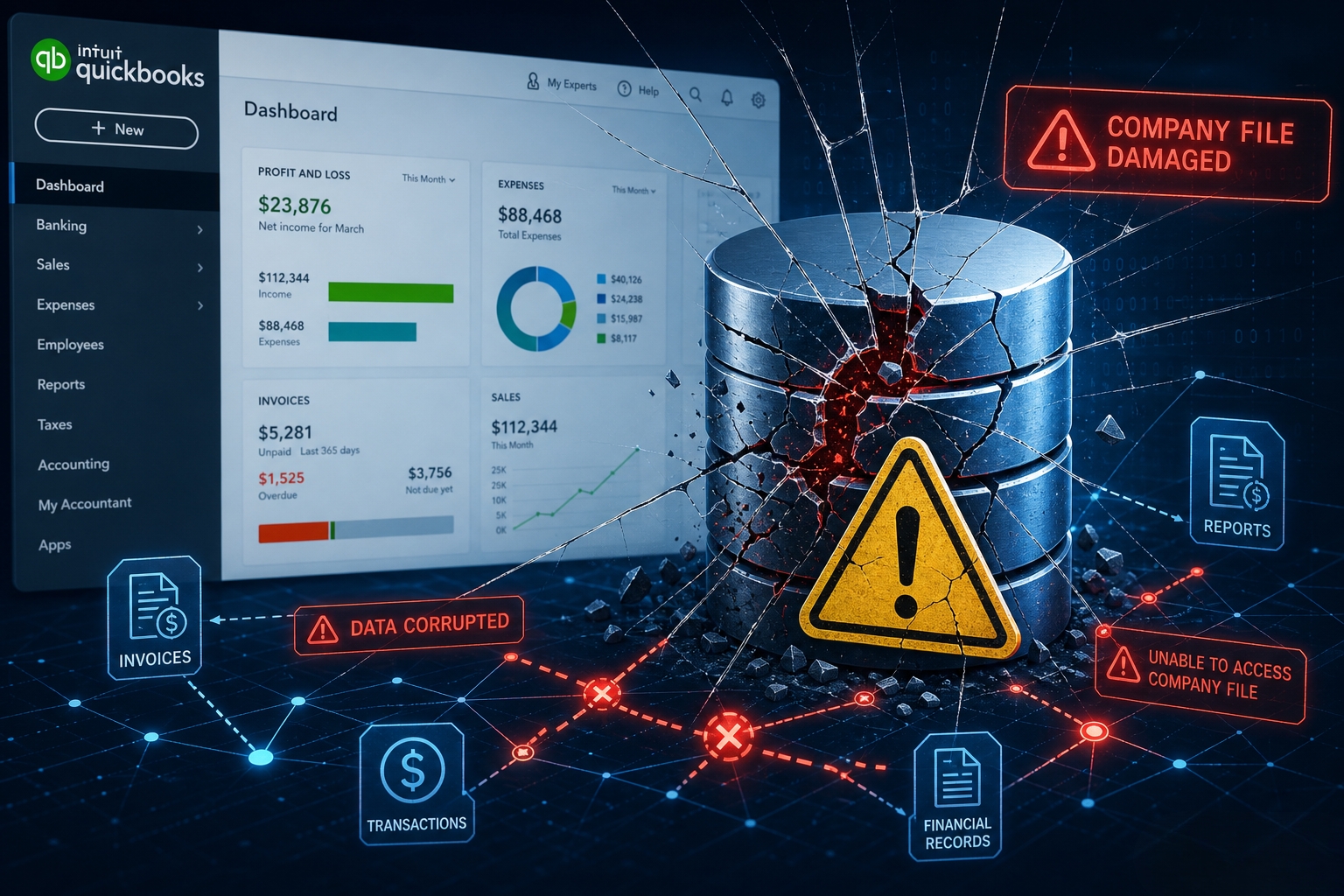
Signs Your QuickBooks Company File Needs Immediate Attention
Signs of QuickBooks company file damage include unpaid invoices that were already marked as paid, unbalanced financial reports, missing transactions, negative account balances, unexpected account names, transaction-related crashes, inconsistent report totals, and Verify Data errors. These signs indicate that the QuickBooks company file contains problems affecting financial data, transaction records, account balances, or reports. QuickBooks…
-
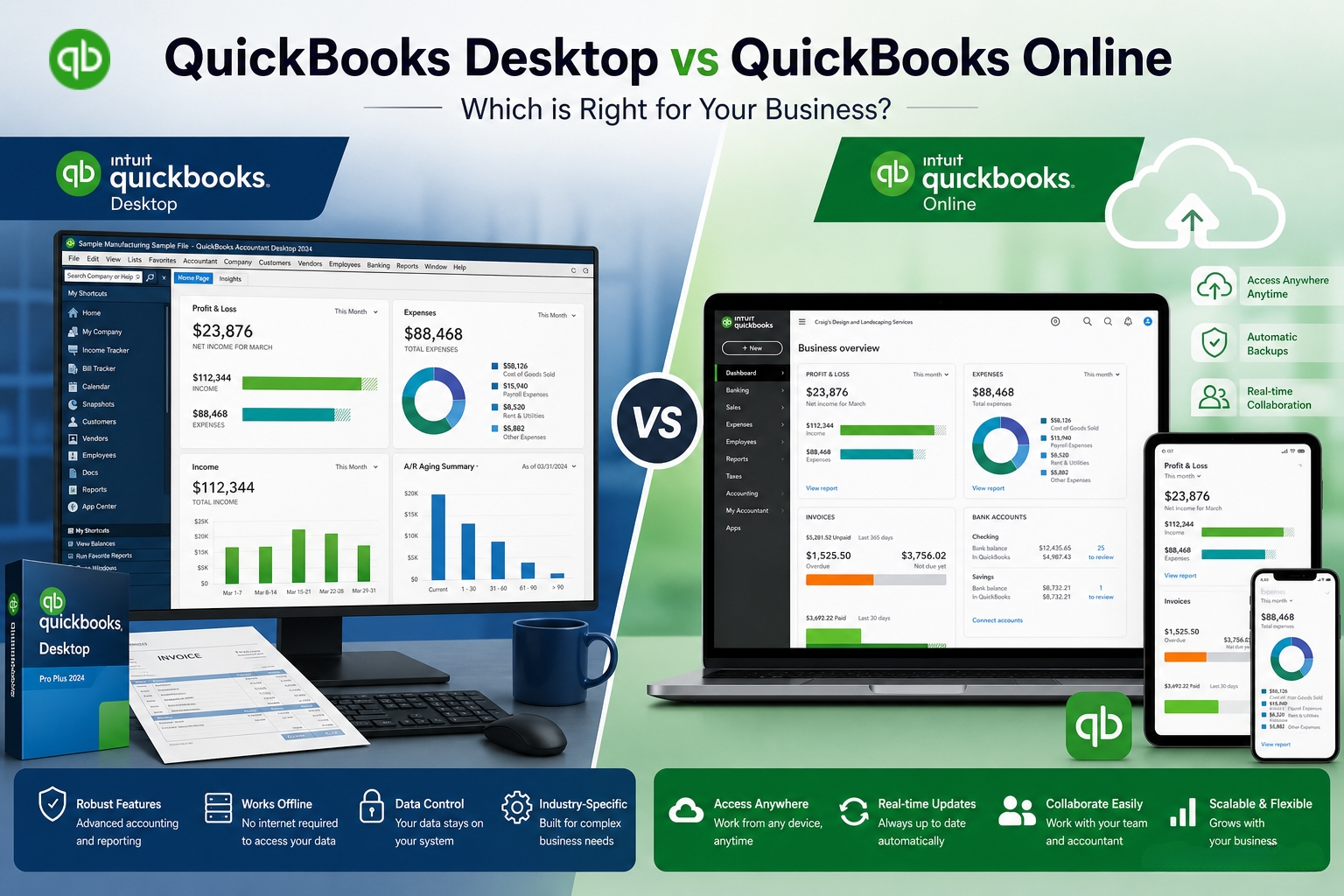
QuickBooks Desktop vs Online – When to Stick with Desktop in 2026
The decision between QuickBooks Desktop and QuickBooks Online in 2026 is not about which product is better in general — it is about which product matches what the business actually does every day. Intuit has clearly shifted its focus toward QuickBooks Online and stopped selling QuickBooks Desktop Pro Plus and Premier Plus to new US…
-
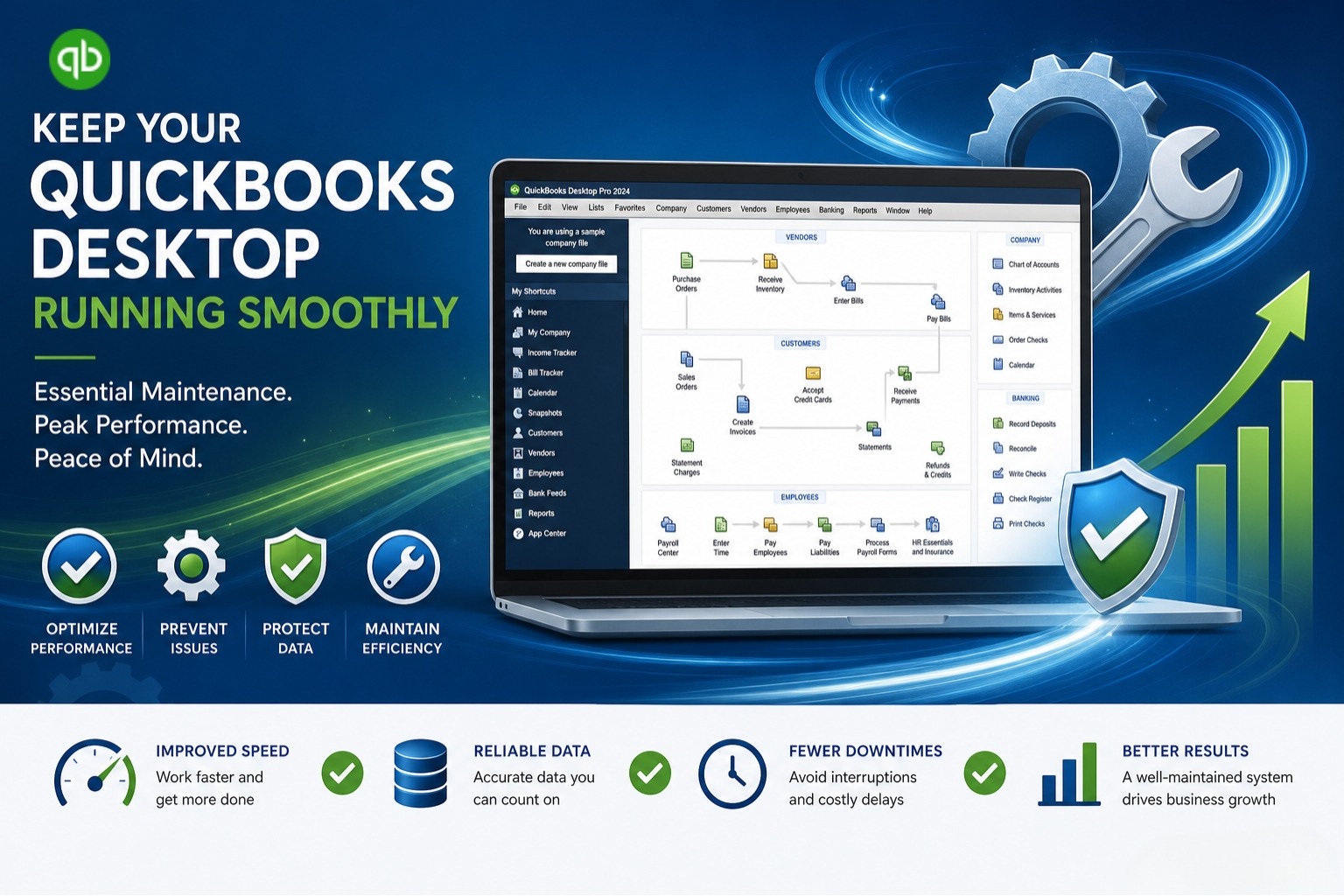
Best Practices to Keep QuickBooks Desktop Running Smoothly
QuickBooks Desktop runs smoothly when users maintain its software, company file, computer environment, and payroll configuration. Nine core practices support reliable QuickBooks Desktop operation. Best Practices to Keep QuickBooks Desktop Running Smoothly are: These QuickBooks Desktop maintenance practices address software compatibility, data protection, company-file integrity, storage performance, antivirus configuration, program shutdown, system resources, and payroll…
-
QuickBooks Desktop Freezes During Invoicing or Payroll— How to Fix It
QuickBooks Desktop freezes during invoicing or payroll when an issue affects the program, company file, transaction, printing or PDF component, email configuration, or network connection. The correct troubleshooting method depends on the exact point where QuickBooks Desktop stops responding. For program-related issues, QuickBooks Tool Hub provides several QuickBooks Desktop troubleshooting utilities, including Quick Fix my…
-
QuickBooks Splash Screen Stuck – Complete Resolution Guide
QuickBooks is available as QuickBooks Desktop for Windows, QuickBooks Online, and QuickBooks Desktop for Mac, each built for a different platform and using a different startup process. If QuickBooks gets stuck while opening, freezes during startup, or doesn’t load properly, the cause and troubleshooting steps depend on the product you’re using. This guide provides beginner-friendly,…