
Category: Fix QuickBooks Errors using QuickBooks Tool Hub
-
QuickBooks Program Problems After Installing New Software
QuickBooks Desktop breaks after new software is installed because both QuickBooks and the new program share the same underlying Windows components — and the new software can damage, overwrite, or block those components during its own installation. The most common components affected are Microsoft .NET Framework, Microsoft MSXML, and Microsoft Visual C++ Redistributable — three…
-
Improve Overall Speed and Responsiveness of QuickBooks Desktop
QuickBooks Desktop slows down for predictable, fixable reasons — and Intuit’s official performance guidance identifies three root areas: the size and condition of the company file, the settings inside QuickBooks that run background tasks on every action, and the hardware and network environment the software runs in. Fixing speed problems in QuickBooks Desktop does not…
-
QuickBooks Crashes During Backup or Condense Data Process
QuickBooks Desktop crashes during backup or Condense Data because the software is reading and writing every transaction in your company file in one continuous operation — and anything that interrupts that operation causes the program to shut down. A corrupted company file, a damaged program file, insufficient disk space, or a company file stored on…
-
QuickBooks Slow Loading Company File – Optimization Tips
QuickBooks Desktop slows down in a predictable way as your company file grows larger over time, and Intuit confirms there is no built-in limit on how large that file can become. A slow-loading file shows up as long waits when you open the program, delays while entering a transaction, or a frozen screen while a…
-
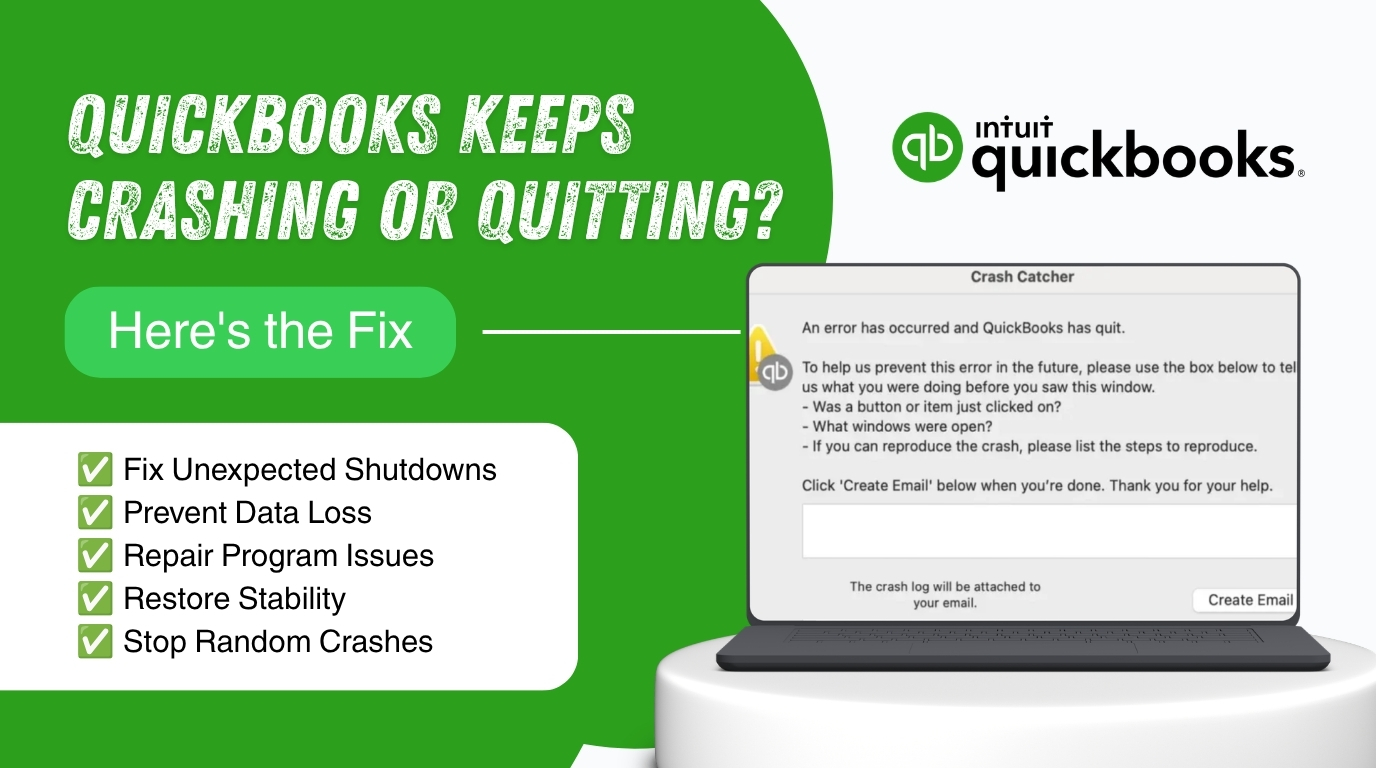
Resolve QuickBooks Unexpected Quit or Close Errors
QuickBooks Desktop sometimes shuts itself down while you are entering an invoice, running a report, or emailing a document to a client. The screen disappears without warning, or a message tells you that QuickBooks has stopped working. This guide explains why these sudden closures happen and gives you the exact steps Intuit recommends to stop…
-
QuickBooks Not Opening After Windows 11 Update
QuickBooks Desktop should open the same way every day: click the icon, watch the loading screen for a few seconds, and land on your company file. After a Windows 11 update, that routine can break without warning. You click the icon, the hourglass spins, and nothing happens. Or QuickBooks opens for half a second and…
-
QuickBooks Crashing After Recent Payroll or Tax Update
A payroll or tax table update is supposed to keep QuickBooks Desktop accurate, not break it. The update brings in the latest federal and state withholding rates so that every paycheck you process uses current, correct numbers. When QuickBooks closes unexpectedly right after this update, freezes mid-payroll, or shows an Unrecoverable Error with a long…
-
QuickBooks Desktop Performance Lag During Bank Reconciliation
Bank reconciliation in QuickBooks Desktop is the process of comparing every transaction in your QuickBooks account register against your official bank statement to confirm the two records match exactly. This process should be fast and straightforward. For most small business accounts, it takes between five and twenty minutes to complete a single month. Many QuickBooks…
-
Fix “QuickBooks Has Stopped Working” Error on Startup
The “QuickBooks has stopped working” error on startup is one of the most disruptive problems a business encounters, because it blocks access to all accounting data from the moment the work day begins. The error appears as a Windows dialog box with the message QuickBooks has stopped working — a problem caused the program to…
-
QuickBooks Crashes When Opening Specific Reports or Forms
A QuickBooks crash that happens only on specific reports or forms — not randomly across the whole program — is one of the clearest problems to diagnose in QuickBooks Desktop. The crash is consistent, repeatable, and tied to a specific action. That pattern tells you exactly where to look: the data being read by that…