
Category: Fix QuickBooks Errors using QuickBooks Tool Hub
-
QuickBooks Error 6123 Company File Cannot Be Opened – Fix Guide
QuickBooks Error 6123, 0 stops the company file from opening and appears with this specific message: “Error 6123, 0: Cannot communicate with the company file due to firewall or anti-virus software.” The message names two possible causes in the error text itself – firewall software and antivirus software – but the actual range of causes…
-
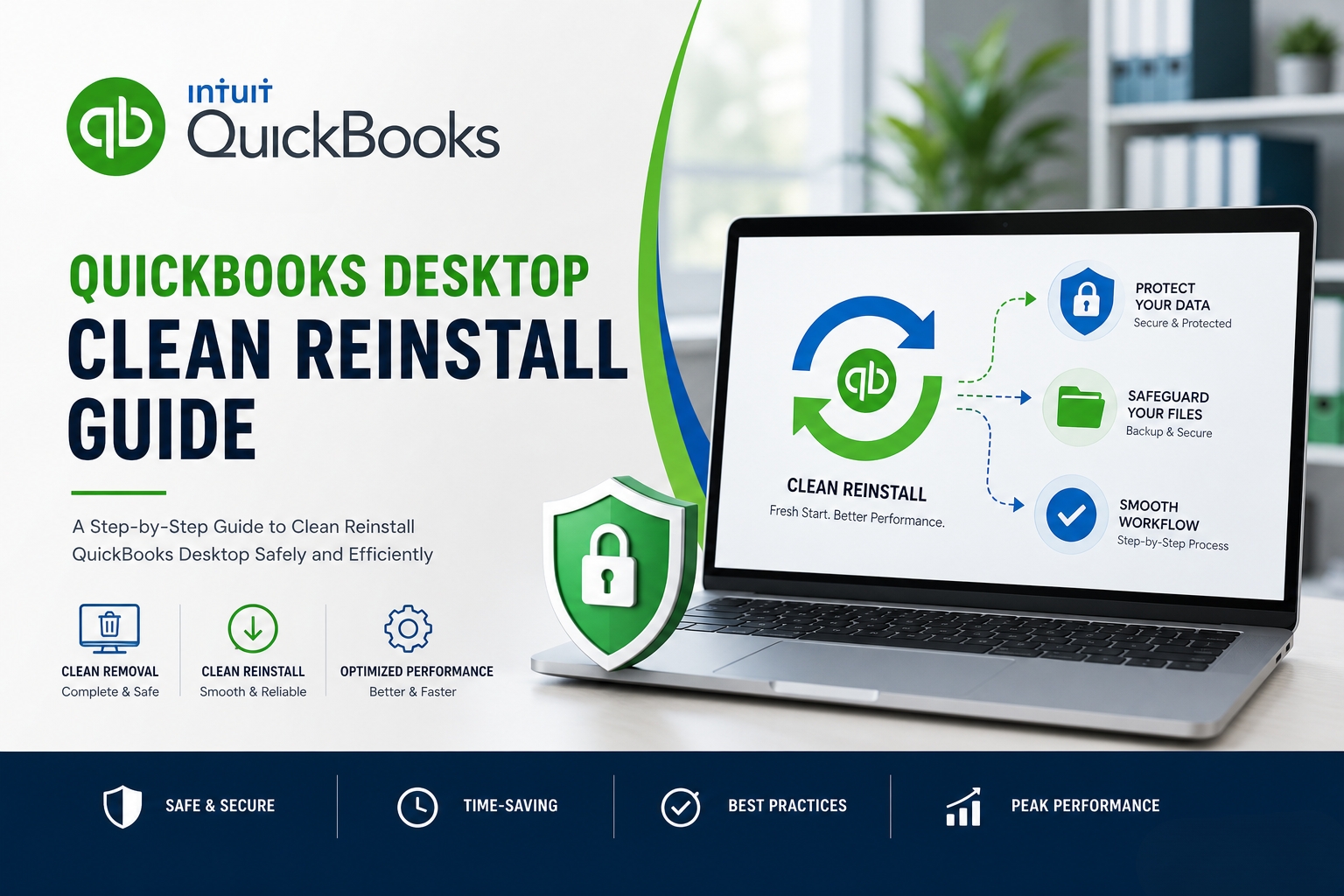
Clean Reinstall QuickBooks Desktop 2025/2026 Without Data Loss
A clean reinstall of QuickBooks Desktop removes all program files and registry entries from the computer and replaces them with a fresh, working installation. The accounting data – stored in the company file with the .QBW extension – is completely separate from the QuickBooks program and is never deleted during a clean reinstall. Removing QuickBooks…
-
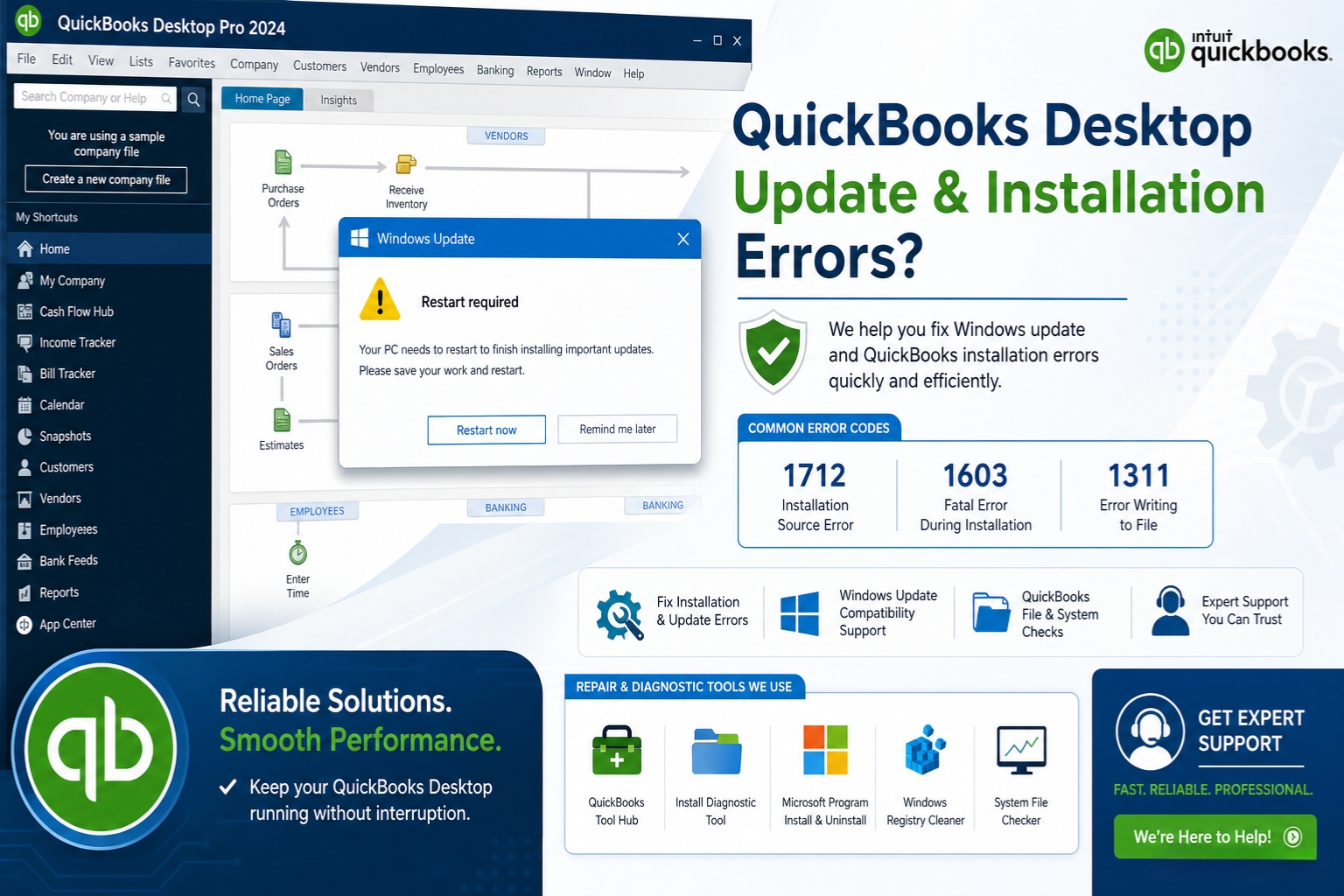
QuickBooks Desktop Not Installing After Windows Feature Update
A Windows feature update is a major upgrade to Windows — not a minor security patch, but a full version change like updating from Windows 11 22H2 to Windows 11 24H2. These updates replace thousands of Windows system files and can change how Windows manages shared software components, security permissions, and the Windows Installer service.…
-
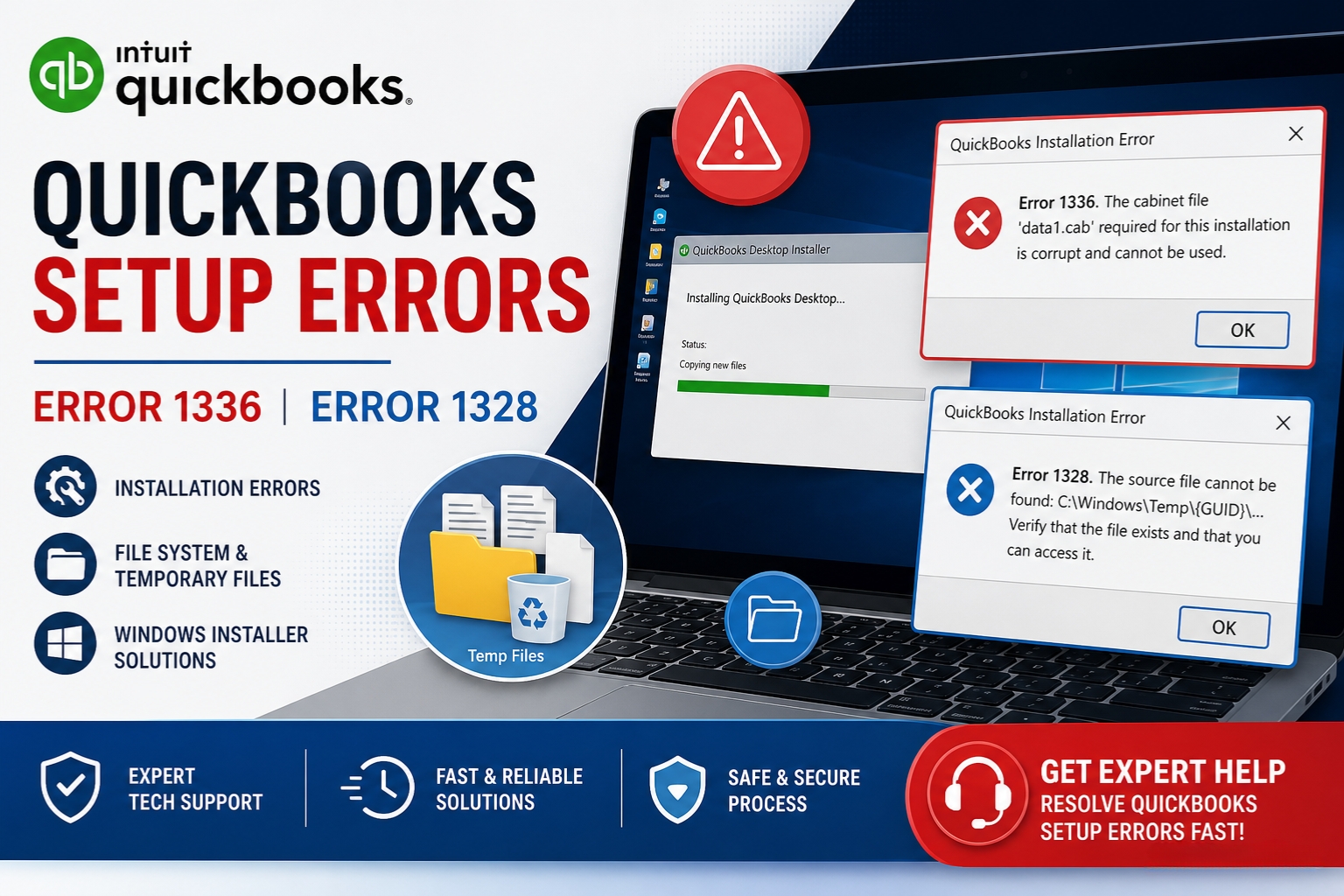
Error 1336 or 1328 During QuickBooks Setup
QuickBooks setup errors 1336 and 1328 both stop the installation or update process, but they point to different problems. Error 1336 means the installer could not create a temporary file it needed during setup. Error 1328 means the installer encountered a problem while trying to update a specific file — and it names that exact…
-
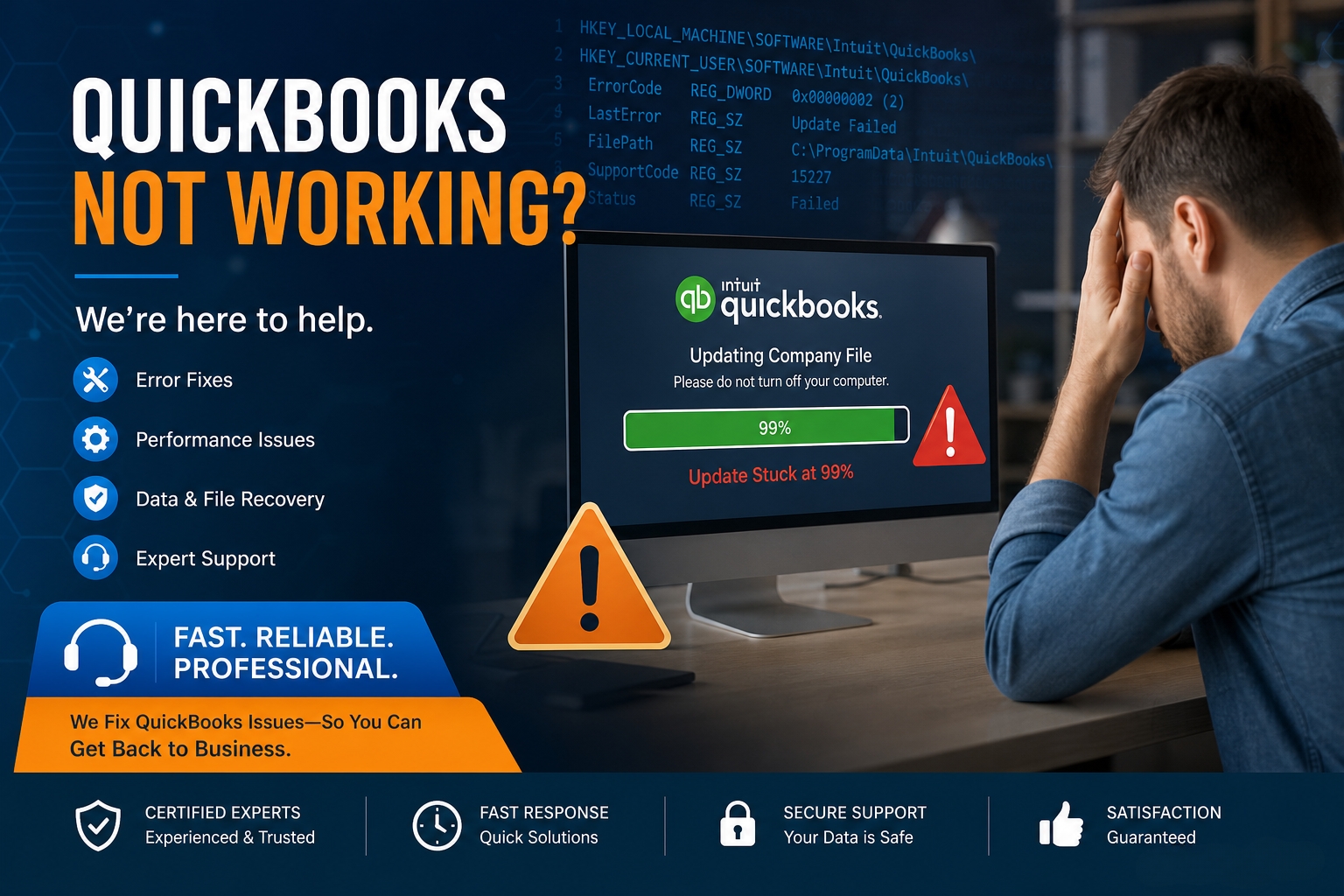
QuickBooks Desktop Installation Stuck at 99% – Fixes
QuickBooks Desktop installation sticking at 99% is one of the most frustrating installation problems because the progress bar shows the process is nearly complete – yet the installer stops advancing and the computer sits unresponsive for minutes or hours. The 99% freeze is not a random event. The installer stopped at a specific, identifiable step. …
-
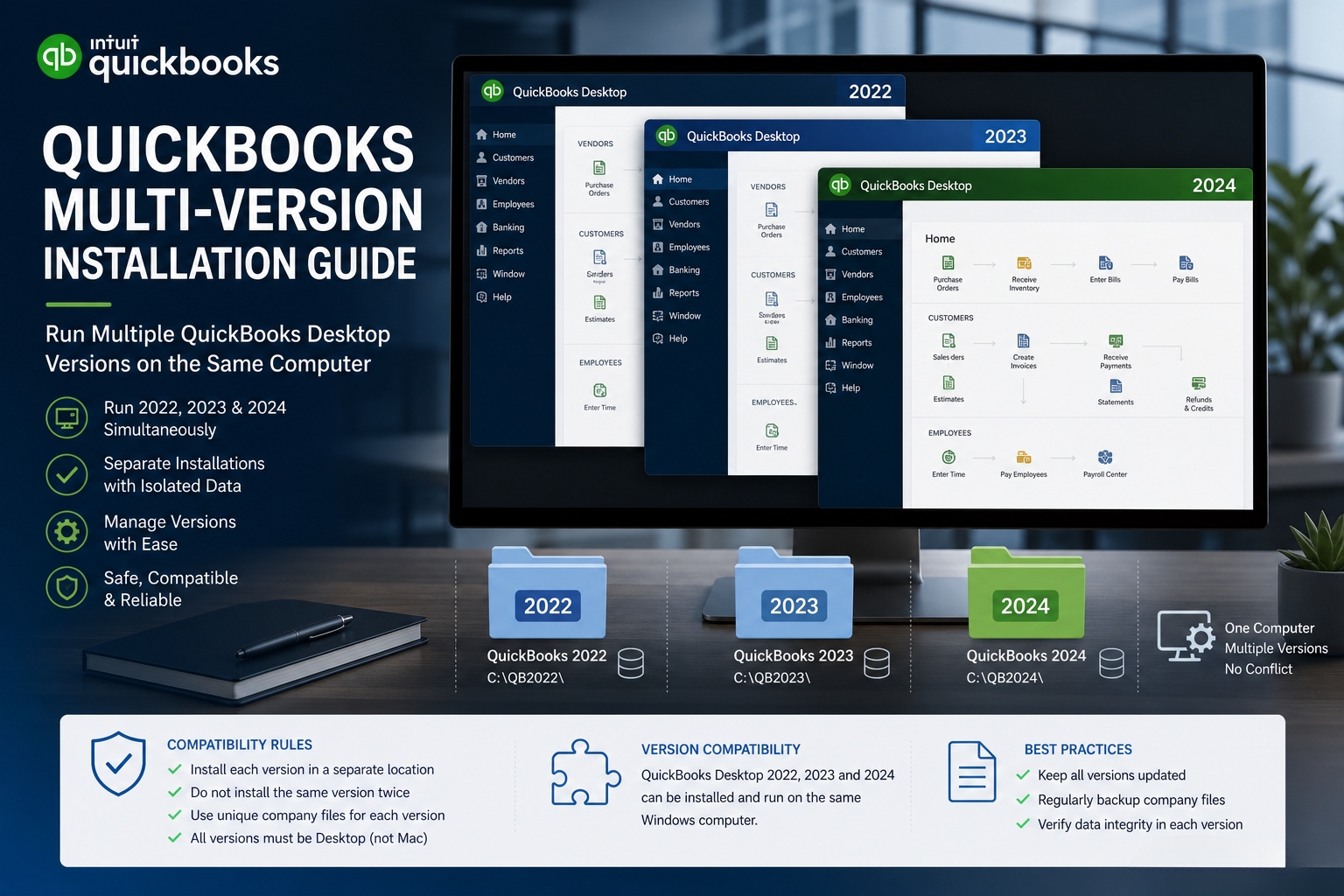
Installing Multiple QuickBooks Versions on One Computer
Multiple QuickBooks Desktop versions can be installed on the same computer at the same time. Intuit supports this setup and allows different year versions – such as QuickBooks Desktop 2022, 2023, and 2024 – to coexist on a single machine. Each version installs into its own separate folder and runs independently without interfering with the…
-
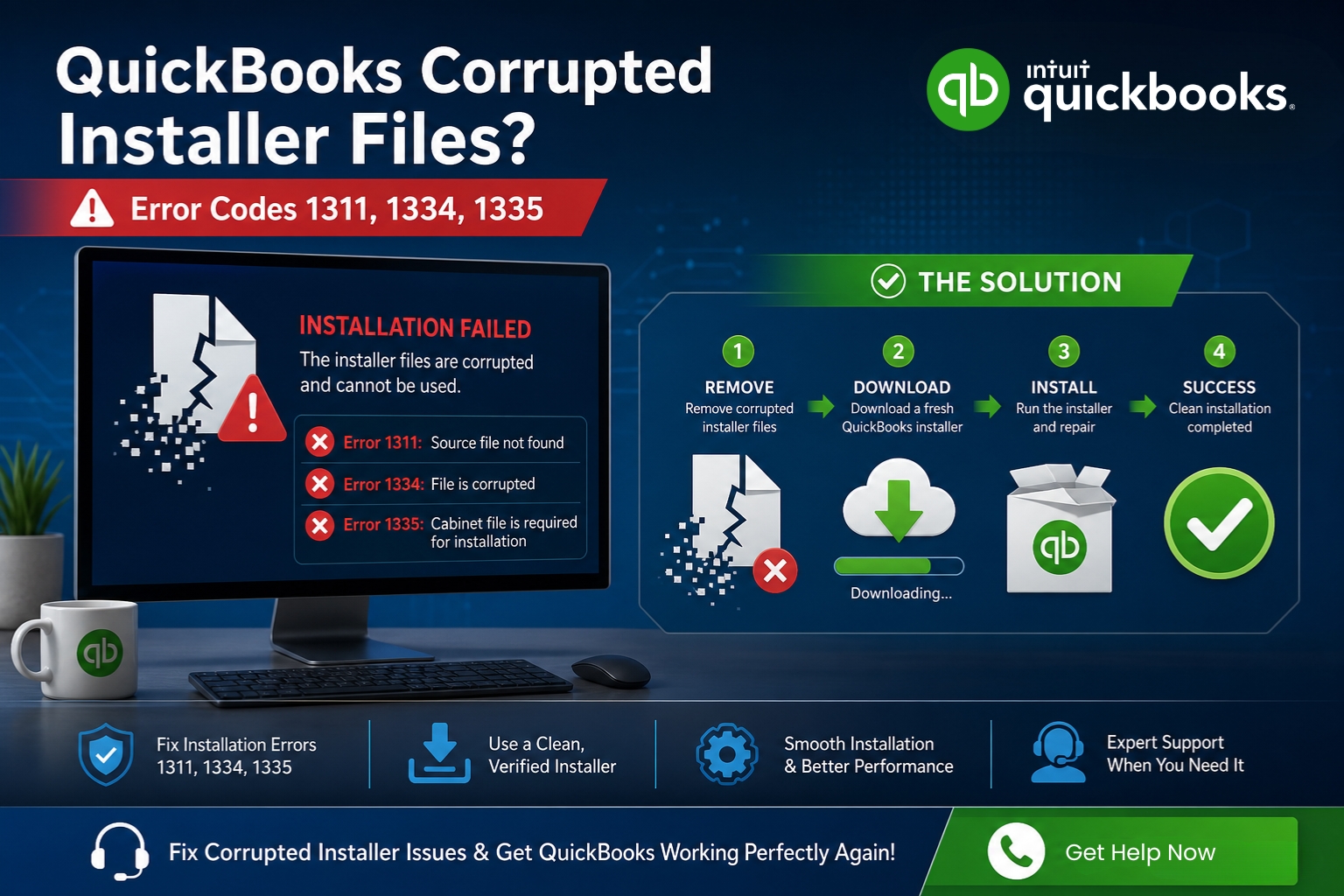
Corrupted QuickBooks Installer Files – How to Resolve?
A corrupted QuickBooks installer file stops the installation or update process before it can complete. The corruption means one or more files that the installer needs are missing, damaged, or unreadable – and the installer reports this with specific error codes that identify exactly which file it could not find. QuickBooks Errors 1311, 1334, and…
-
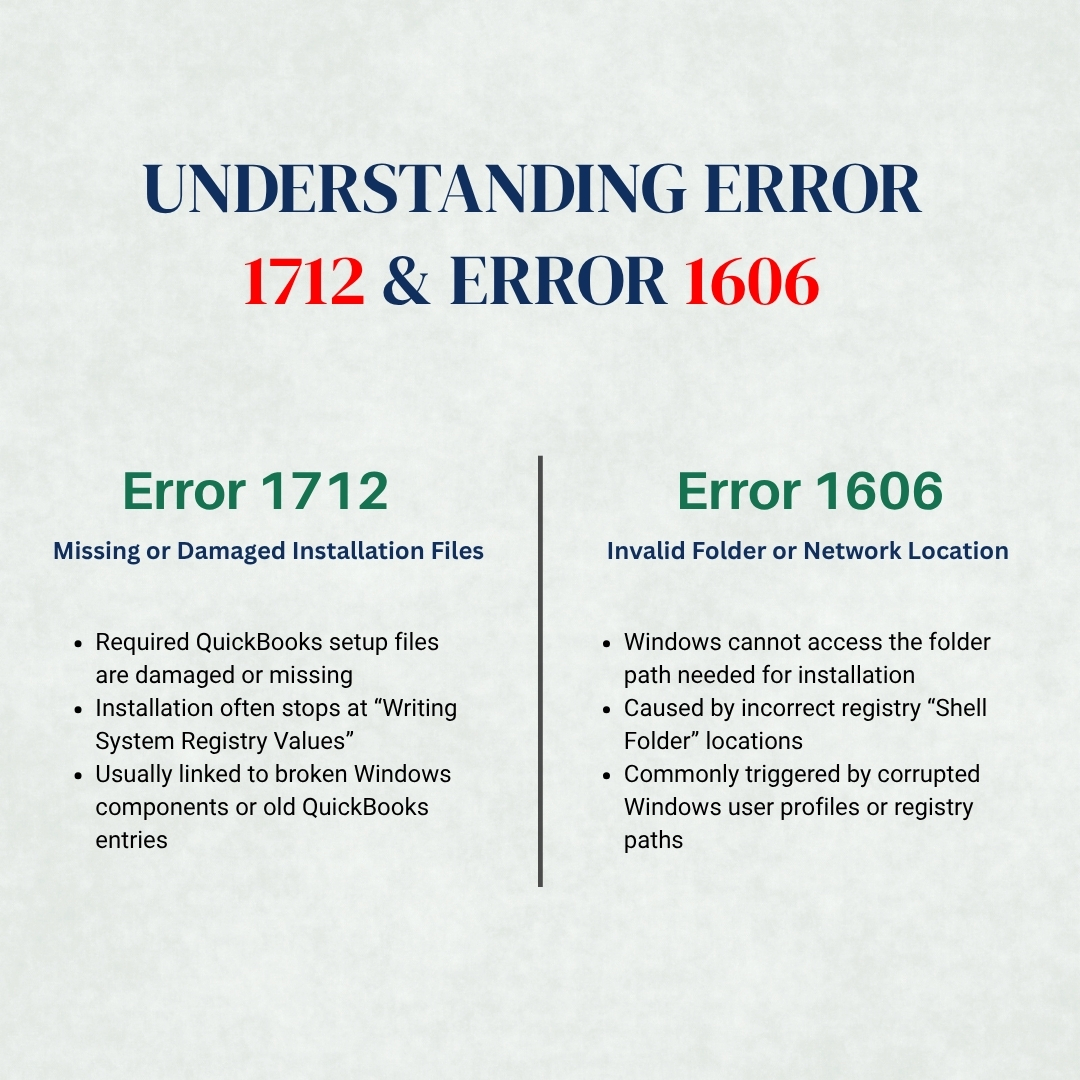
QuickBooks Error 1712 or 1606 During Installation
QuickBooks installation errors 1712 and 1606 both stop the setup process before QuickBooks can finish installing, but they do so for completely different reasons. Error 1712 means the installation stopped because one or more files required for setup are damaged or missing on the computer. Error 1606 means the installation stopped because Windows could not…
-
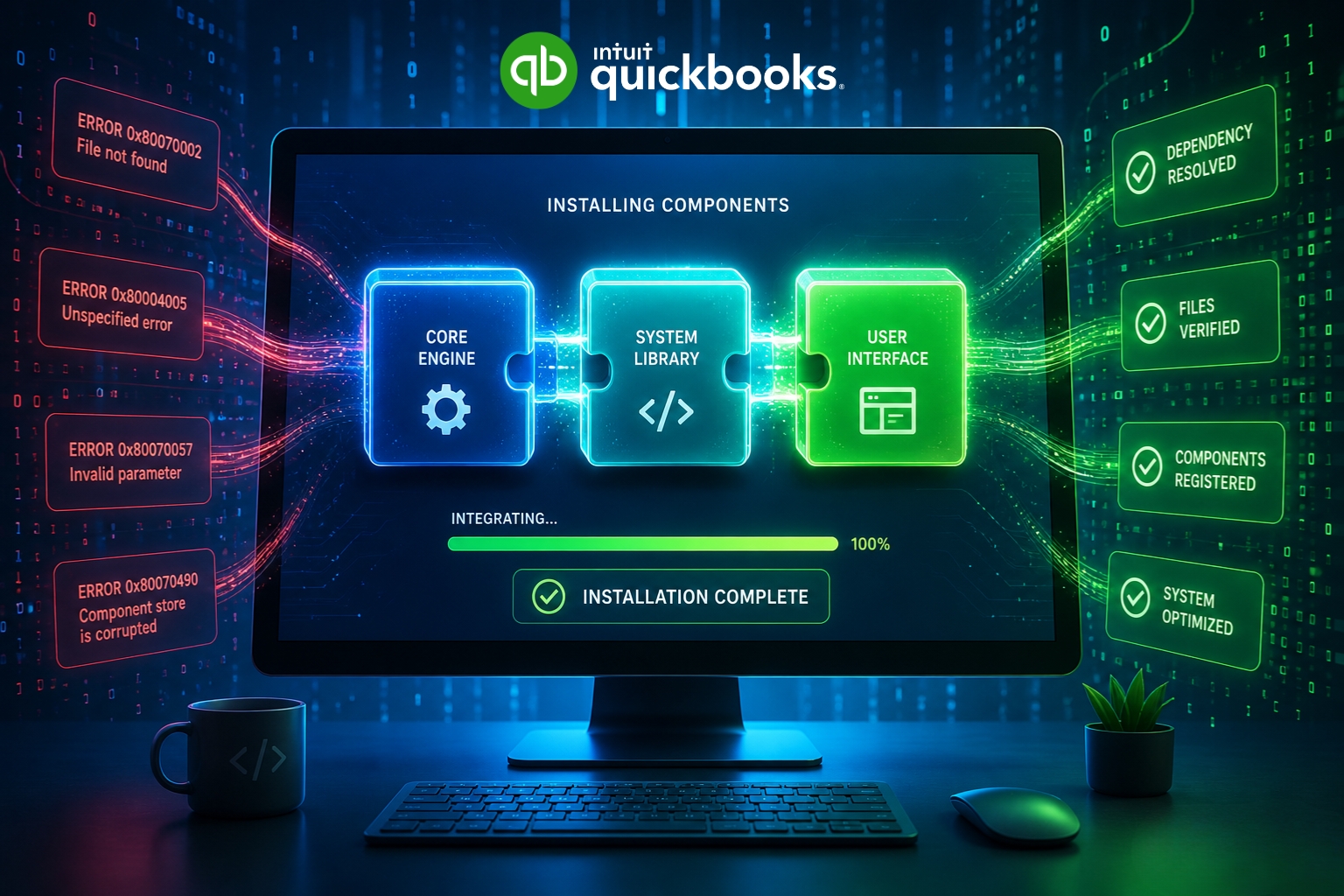
Missing MSXML or .NET Framework Errors During QuickBooks Install
QuickBooks Desktop cannot install correctly without three specific Windows software components working properly on the computer: Microsoft .NET Framework, MSXML, and Microsoft Visual C++ Redistributable files. These three components are not part of QuickBooks itself; they are Microsoft programs that Windows provides and that QuickBooks depends on to run its setup process, register its program…
-
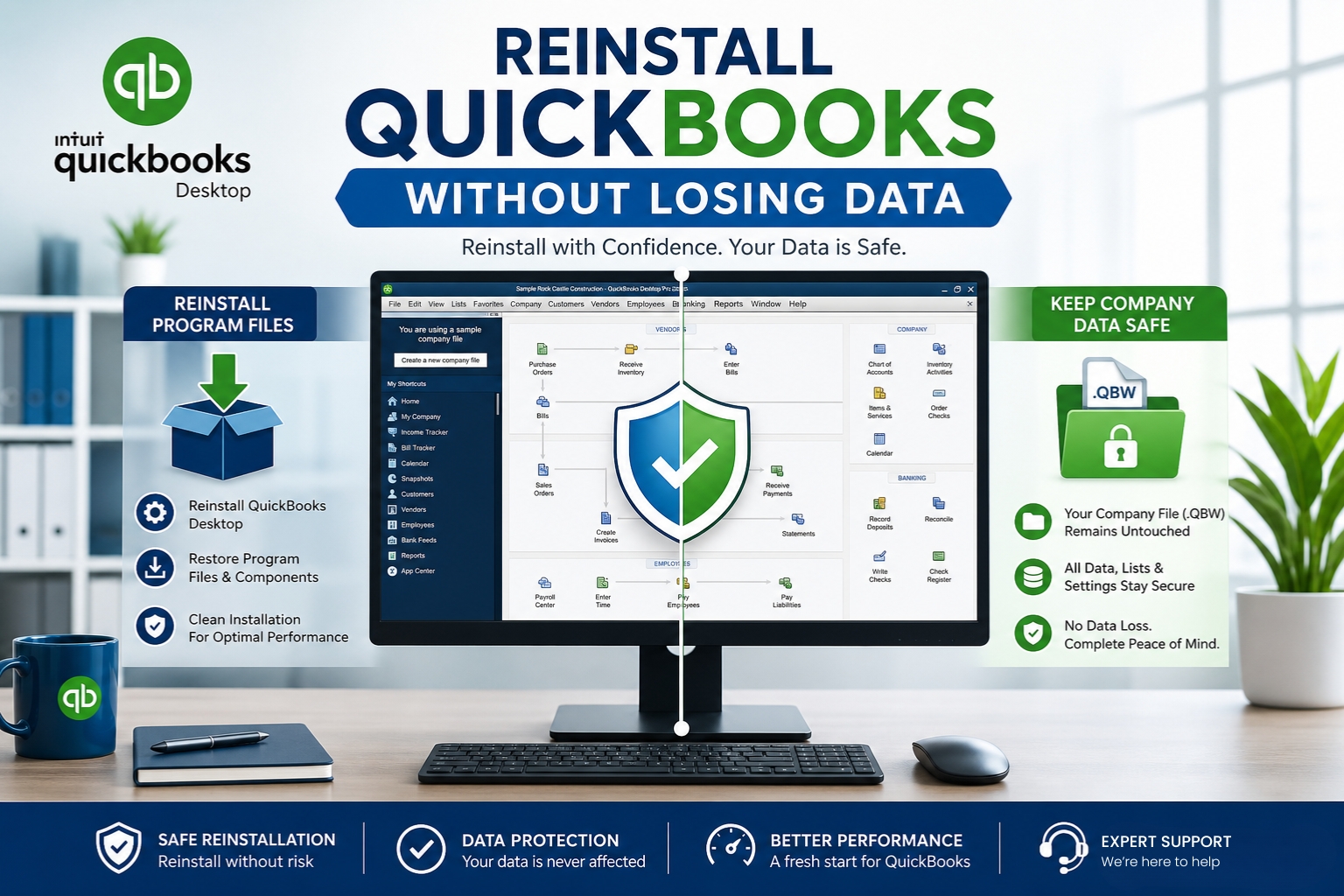
Reinstall QuickBooks Desktop Without Losing Company Files
Reinstalling QuickBooks Desktop does not delete company files. The company file – the .QBW file that holds every transaction, invoice, customer record, and financial report – is stored in a separate folder from the QuickBooks program itself. The program lives in C:\Program Files\Intuit\QuickBooks [Year]. The company file lives wherever the business chose to save it,…