
Category: Fix QuickBooks Errors using QuickBooks Tool Hub
-
QuickBooks Error When Opening Company File After Upgrade
Upgrading QuickBooks Desktop to a new version — for example, moving from QuickBooks 2021 to QuickBooks 2023 — installs new software on the computer but does not automatically update the company file. The company file is the file with a .QBW extension that holds every transaction, account balance, customer record, and payroll entry for the…
-
Large Company File Performance Problems (>1 GB)
A QuickBooks company file over 1 gigabyte (GB) in size creates a performance problem that grows steadily worse over time. A gigabyte is a unit of file size — a 1 GB file contains roughly eight times more data than a 125-megabyte (MB) file. As the company file stores more invoices, payments, payroll records, and…
-
QuickBooks Verify and Rebuild Data Not Fixing Issues
Verify Data and Rebuild Data are QuickBooks Desktop’s two built-in tools for finding and fixing problems in the company file — the file that holds every transaction, account balance, payroll record, and customer entry for the business. Verify Data scans the file and reports whether any damage exists. Rebuild Data then attempts to repair whatever…
-
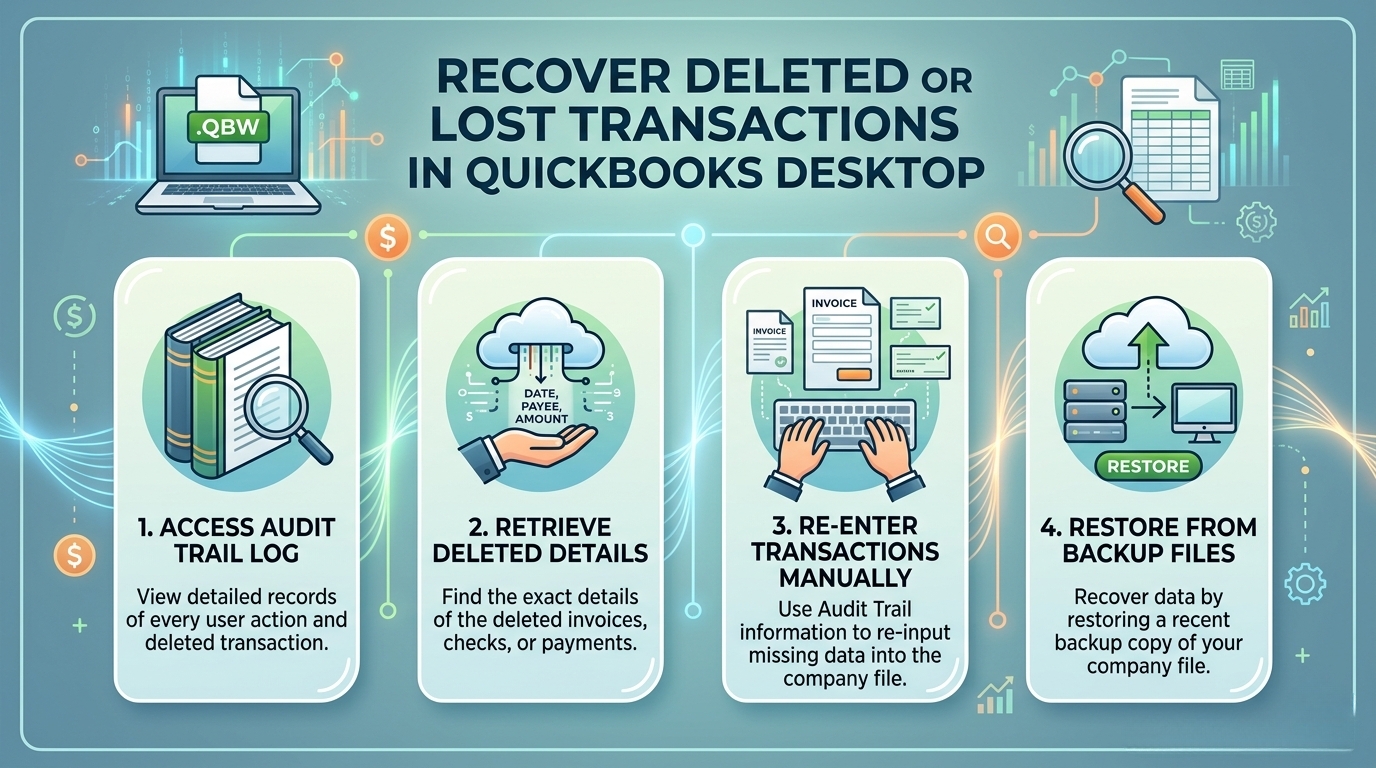
Recover Deleted or Lost Transactions in QuickBooks Desktop
QuickBooks Desktop does not have an undo button for deleted transactions. Once a transaction is deleted, it is permanently removed from the active company file – the file that holds every invoice, payment, check, journal entry, and bank deposit for the business. The company file itself (saved with a .QBW extension) does not move deleted…
-
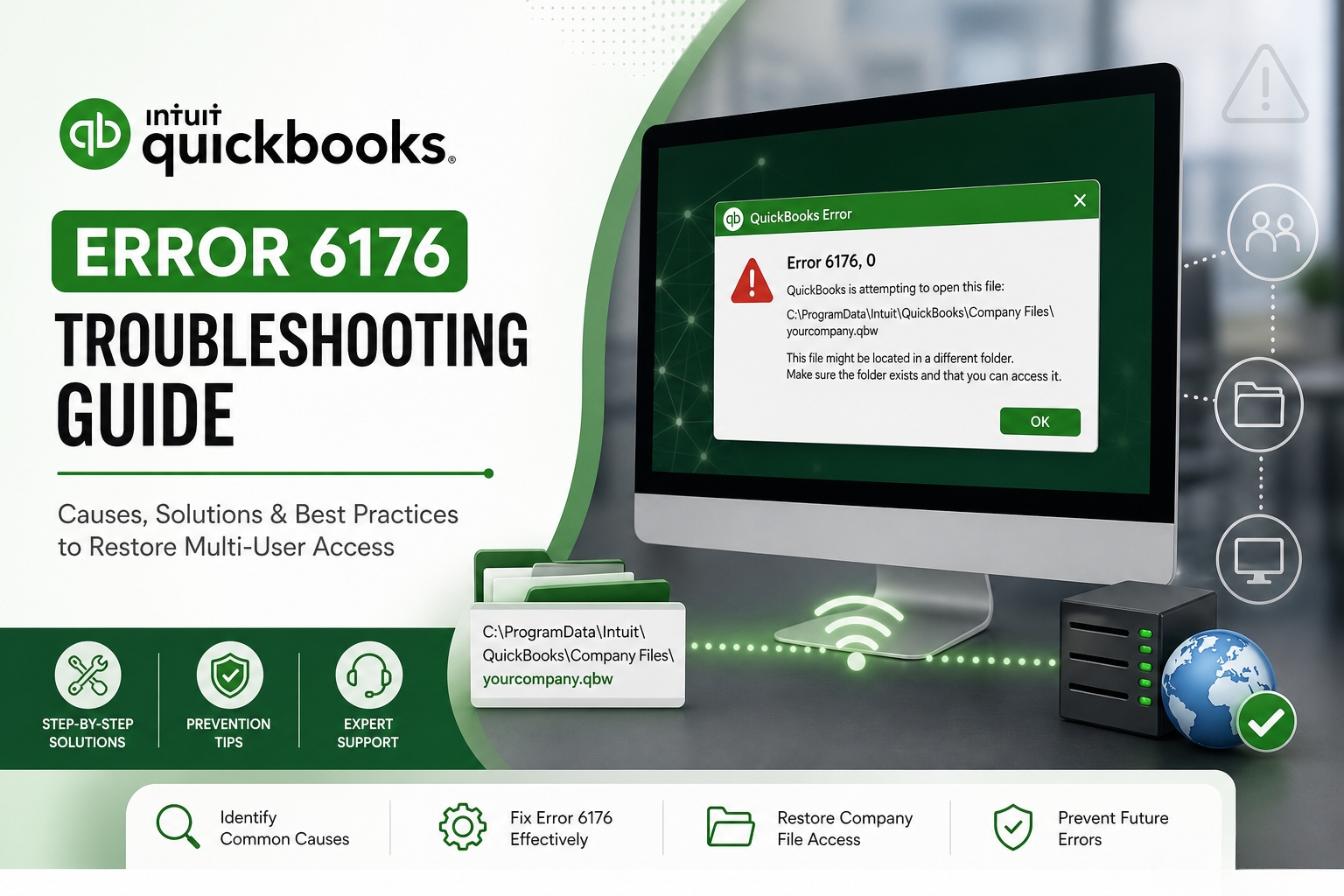
QuickBooks Error 6176 – File Location or Path Problems
QuickBooks Error 6176 stops the software from opening the company file – the file that holds every transaction, invoice, payroll record, and account balance for the business. The full error message reads: “QuickBooks is attempting to open the company file. Before you can open the file on this computer, use the steps below to open…
-
Moving QuickBooks Company File to New Computer or Server
Moving a QuickBooks company file to a new computer or server transfers all financial records to a new hardware location without losing data. This process requires installing the QuickBooks software on the new machine and creating a backup on the old machine to move the data safely. A proper migration ensures the new setup has…
-
How to Restore QuickBooks Company File from Backup?
Restoring a QuickBooks company file from a backup brings back all accounting data – every transaction, every customer record, every report – from the point in time when the backup was created. The backup file is stored in the .QBB format, which stands for QuickBooks Backup. A .QBB file is a compressed, complete copy of…
-
QuickBooks Error 6190 and 816 – File Locking Issues
QuickBooks Error 6190 and 816 is a multi-user file locking error that prevents users from opening the company file. The full error message reads: “QuickBooks was unable to open the file [path] on the host computer. Try opening the file with QuickBooks on the host computer.” This error occurs when the Transaction Log file (.TLG)…
-
Company File Corruption After Power Outage or Crash in QuickBooks
A power outage or computer crash while QuickBooks is open is one of the most common causes of company file corruption. QuickBooks Desktop writes data to the company file continuously during every active session. A sudden power loss or system crash cuts off this write process in the middle of a database operation — a…
-
QuickBooks Error -6147 or 0 – Damaged Company File Repair
QuickBooks Error -6147, 0 stops the company file or backup file from opening and shows this specific message on screen: “We’re sorry. QuickBooks can’t open your company file. Please try again. Error Code: (-6147, 0).” The error belongs to the QuickBooks 6000 error series — the family of errors that all relate to company file…