
Author: Anusmita
-
Unexpected Error in QuickBooks Desktop – Troubleshooting Checklist
Fix an unexpected error in QuickBooks Desktop by testing the company file with Ctrl-open, running the QuickBooks Tool Hub’s Quick Fix my File and Quick Fix my Program tools, then using Verify Data and Rebuild Data to repair the company file safely. An unexpected error in QuickBooks Desktop can prevent you from opening your company…
-
QuickBooks Desktop Compatibility Issues with Windows 11
QuickBooks Desktop compatibility issues on Windows 11 occur when the operating system, QuickBooks version, or supporting Windows components do not work together as expected. Depending on the underlying cause, users may experience installation failures, application crashes, company file errors, printing problems, display issues, or multi-user connection failures. QuickBooks Desktop compatibility issues with Windows 11 commonly…
-
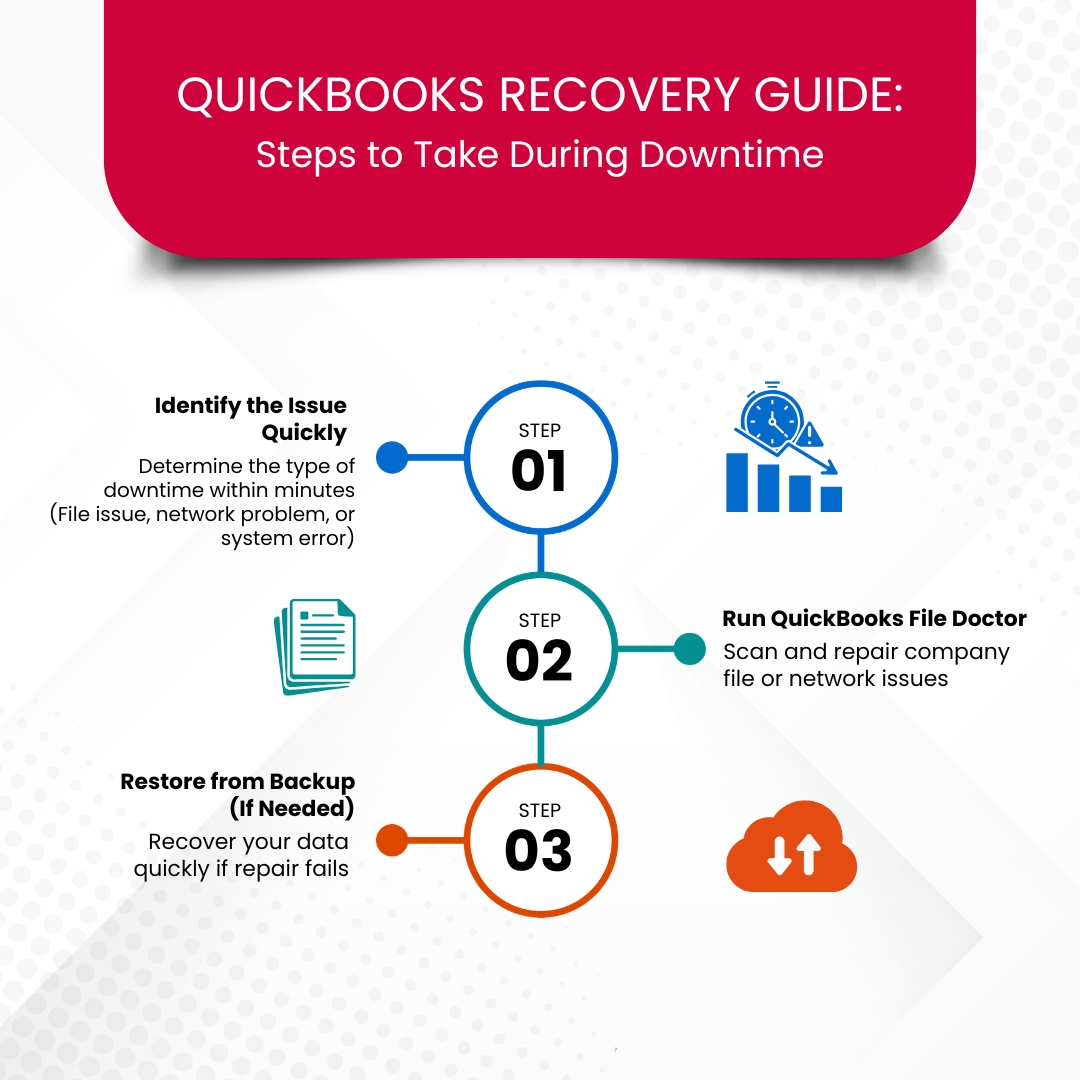
How US Small Businesses Can Minimize QuickBooks Downtime?
QuickBooks downtime is the temporary loss of access to QuickBooks Desktop or QuickBooks Online that interrupts accounting operations, including invoicing, payroll, reporting, and financial management. US small businesses reduce downtime by combining preventive maintenance, verified backups, secure system configuration, and documented recovery procedures. This guide explains how QuickBooks downtime affects business operations, identifies the most…
-
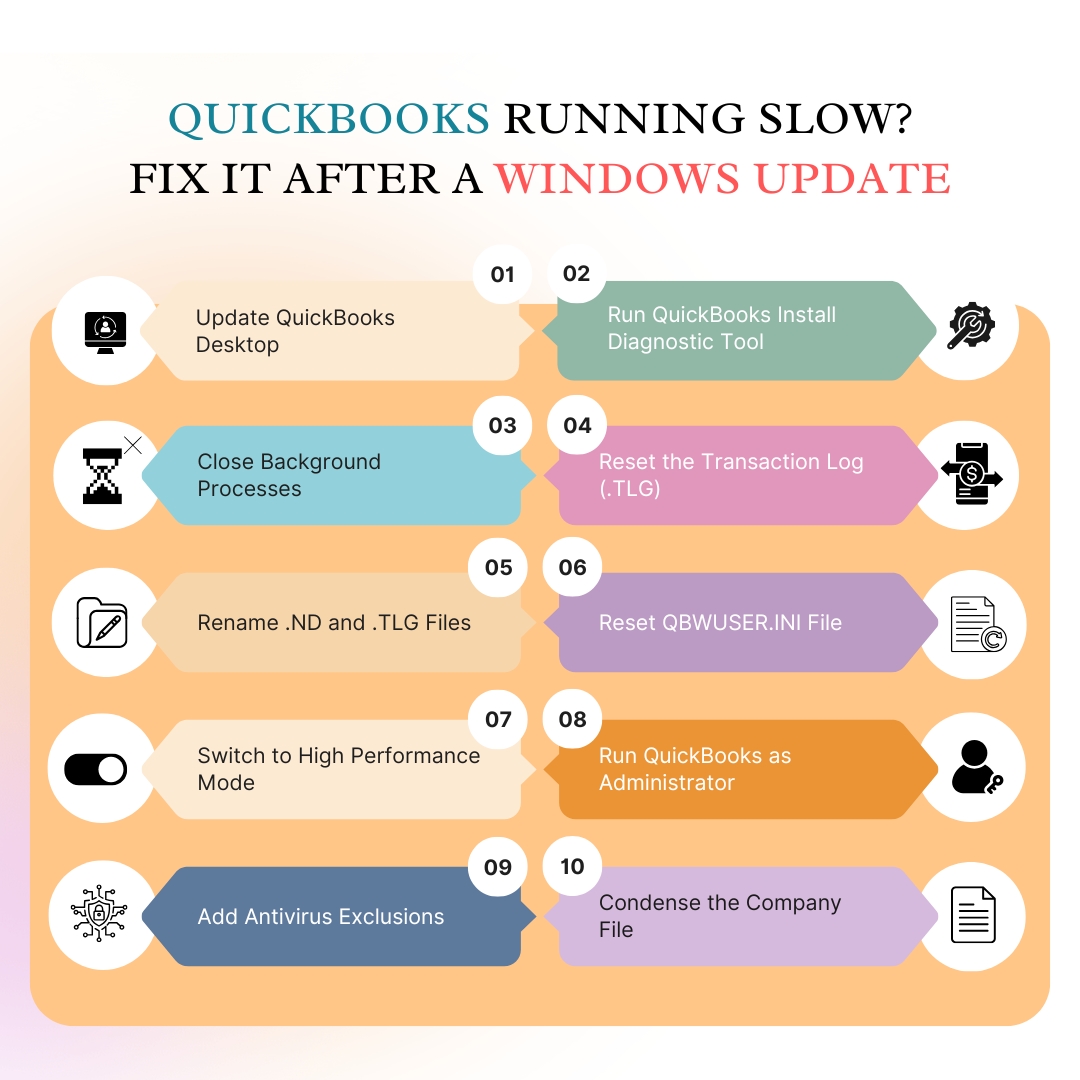
QuickBooks Desktop Performance Slow After Recent Windows Update: Complete Fix Guide
After a Windows update, some Windows settings and files used by QuickBooks Desktop may change, causing the program to run slower than usual. These changes can increase startup time, delay report generation, slow window switching, or affect multi-user performance. The most common causes include: QuickBooks Tool Hub includes tools that diagnose and repairs many Windows…
-
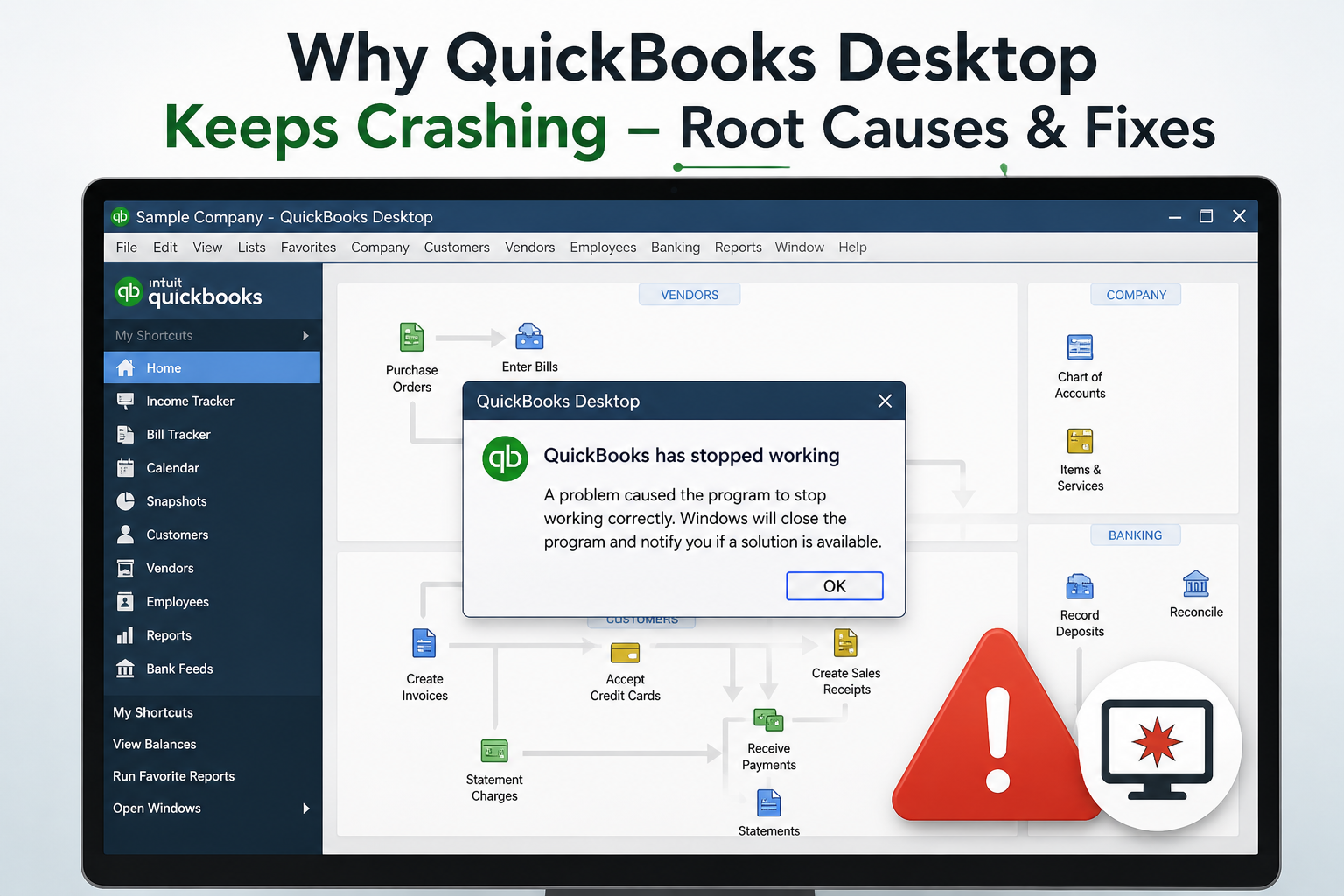
Why QuickBooks Desktop Keeps Crashing – Root Causes & Fixes
QuickBooks Desktop keeps crashing because of a damaged company file, corrupted program files, or conflicts with other software. To fix this issue install the QuickBooks Tool Hub, run the QuickBooks Install Diagnostic Tool, and then update QuickBooks to the latest release. This article explains every documented cause of QuickBooks Desktop crashes in versions 2021 through…
-
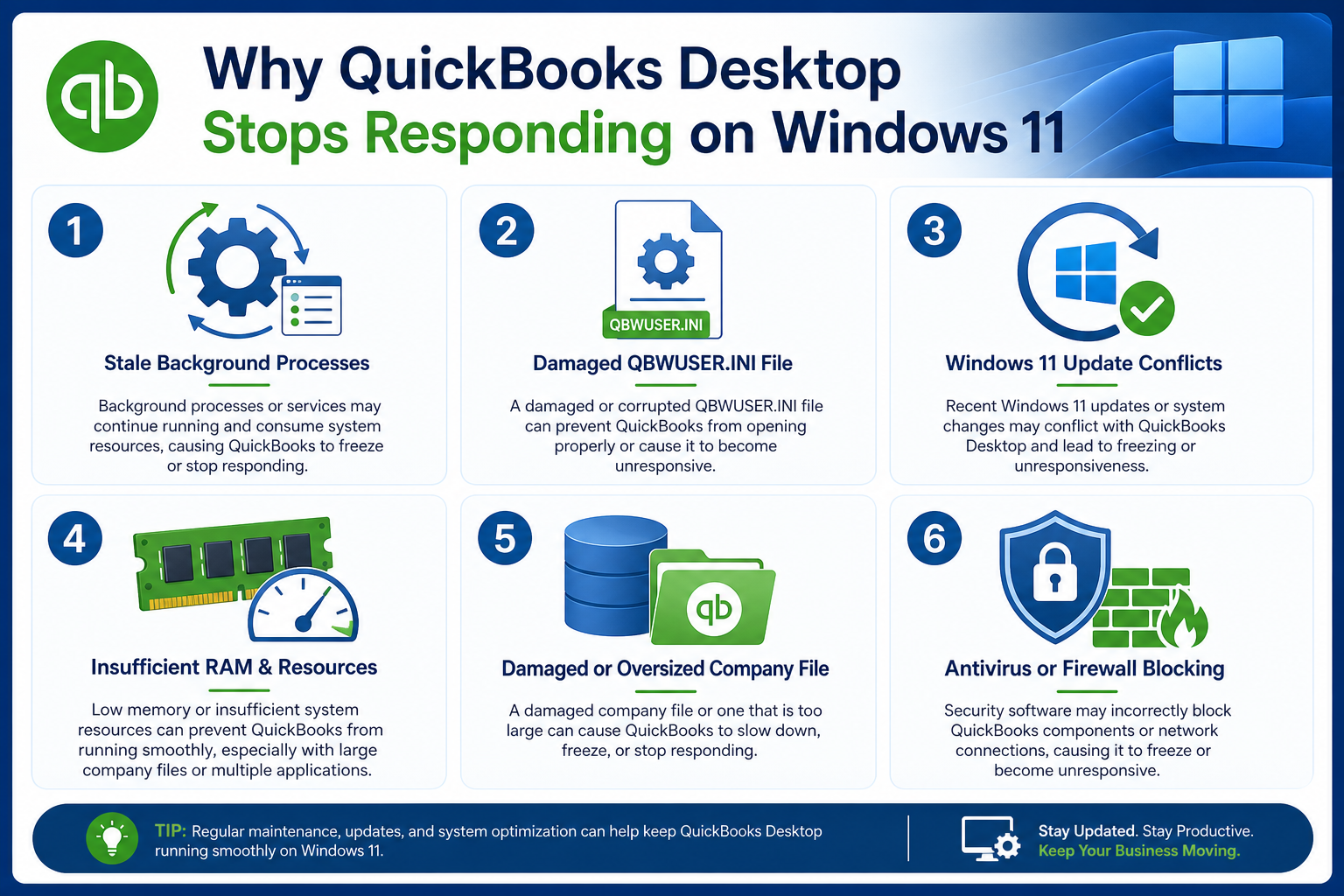
QuickBooks Desktop Not Responding on Windows 11 – Quick Solutions
To fix QuickBooks Desktop freezing or showing “Not Responding” on Windows 11, download and open the QuickBooks Tool Hub. Run the “Quick Fix my Program” tool to close stuck QuickBooks processes. If the issue continues, repair QuickBooks from the Control Panel by going to Programs and Features, selecting QuickBooks, and choosing Repair. QuickBooks Desktop freezes…